
Secure VPN
Secure VPN is a free Android VPN app from Signal Lab that encrypts your connection with one tap, especially useful on public Wi-Fi.
8.4 MB

2.0.4 · Jinrong Zheng · Page updated
SuperVPN Pro is an Android VPN app by Jinrong Zheng that routes your phone's traffic through encrypted VPN servers with a simple one-tap interface.
Average 0.0 · ratings: 0
Thank you! Your rating is saved; you can change it. Could not save the rating. Please try again later. Too many ratings from your network today. Please try again tomorrow. The average appears after 5 ratings.
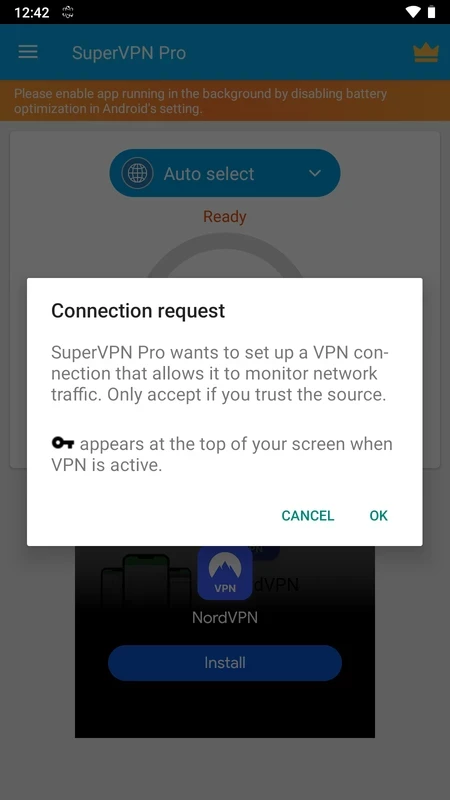
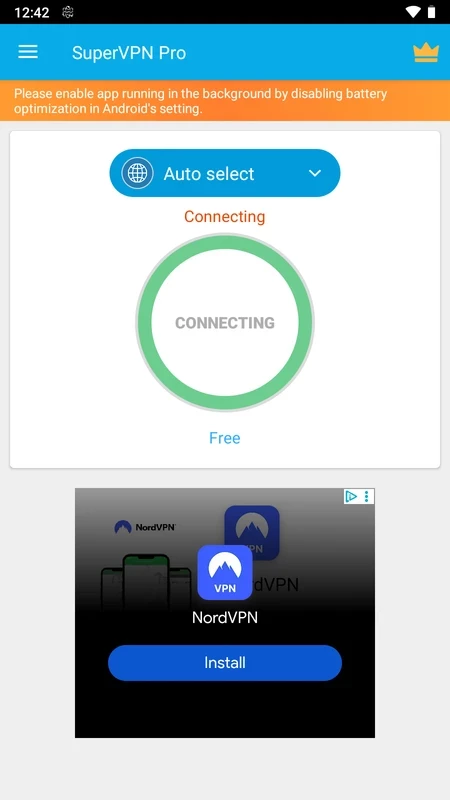
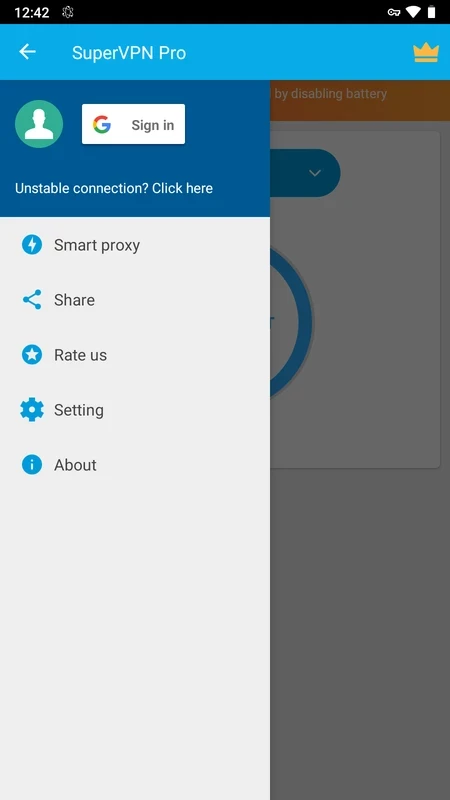
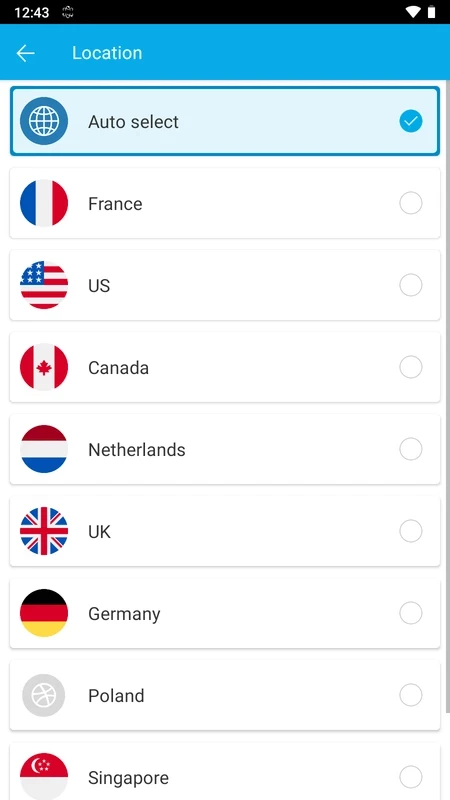
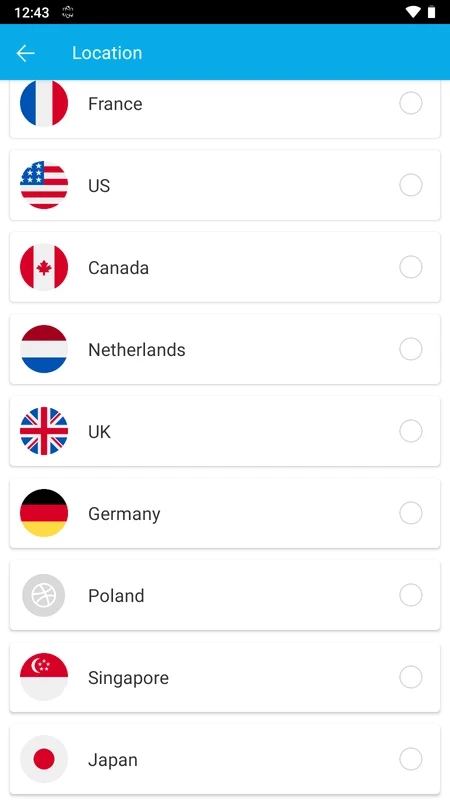
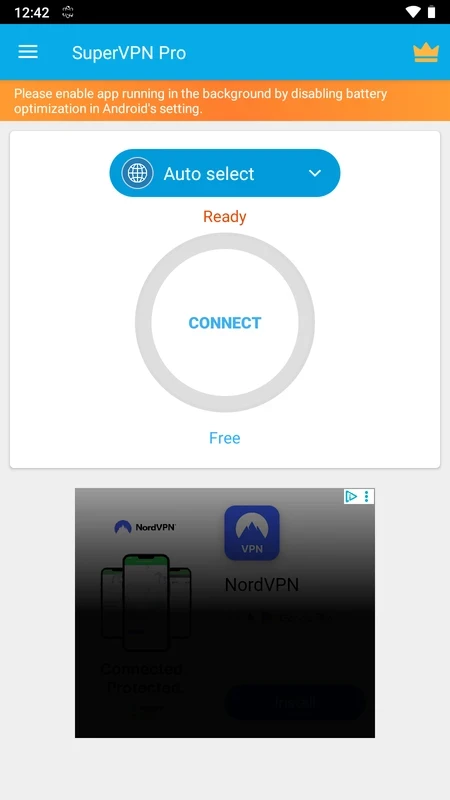
SuperVPN Pro 2.0.4 is an Android VPN app by developer Jinrong Zheng. It creates an encrypted connection from your phone to a VPN server and sends your traffic through it, with a deliberately simple interface built around one connect button. You can download SuperVPN Pro for Android from Google Play.
SuperVPN Pro suits users who want a VPN that needs no configuration: install, open, tap and you are connected. That is appealing for people who use public Wi-Fi in cafés, hotels and airports and simply want an extra layer of encryption, or who need a different IP address for a website that behaves differently by region. The Pro edition is a separate listing from the regular SuperVPN app in Google Play, so check which of the two you are installing and what each listing says about price and features. If you need detailed control over protocols, a kill switch or audited no-logs policies for professional work, a more established provider with published audits is a better fit. It also makes sense to think about trust: the app is published by an individual developer rather than a large company, so read the privacy policy and store information before relying on it for sensitive traffic.
| Item | Details |
|---|---|
| Version | 2.0.4 |
| Developer | Jinrong Zheng |
| Platform | Android |
| Licence | free to install |
| Size | about 14.09 MB according to catalogue data |
Close and reopen the app, make sure no other VPN is active and try a different network. If the problem persists after an Android update, update the app from Google Play or reinstall it. Battery optimisation can also stop VPN apps in the background, so exclude SuperVPN Pro from it if the connection keeps dropping.
Install SuperVPN Pro only from Google Play. VPN apps are frequently cloned under similar names, and APKs promising a "free Pro" can contain code that intercepts traffic. A VPN needs network access; it has no reason to ask for your contacts, SMS or call logs.
The regular SuperVPN app is also in our listings, along with ProtonVPN, Hotspot Shield VPN, Turbo VPN, Outline VPN and X-VPN.
Secure VPN is a free Android VPN app from Signal Lab that encrypts your connection with one tap, especially useful on public Wi-Fi.

ArgoVPN is a free Android VPN app from Filtershekanha that encrypts your phone's connection and routes it through its servers.

SuperVPN is a free one-tap VPN app for Android listed under developer Jinrong Zheng; our data has no official site or privacy policy for it.

X-VPN is an Android VPN app from Free Connected Limited that encrypts your phone's connection and routes it through servers in different locations.

Outline VPN is a free, open-source Android client from Jigsaw that connects to Outline servers, run by you or someone you trust, using an access key.

Every Proxy is an Android app from Gorilla Software that runs an HTTP or SOCKS proxy server on your phone so other devices can share its connection.

GreenNet VPN is a free Android VPN app from the developer Anonymith that connects with one tap and encrypts your phone's traffic.

Turbo VPN is a free Android VPN app from Innovative Connecting that encrypts mobile and Wi-Fi traffic and routes it through its own servers.